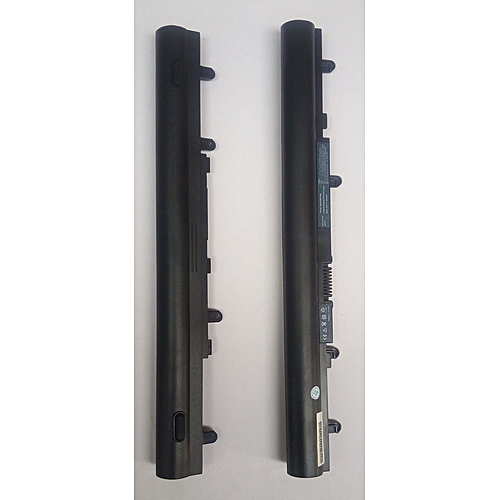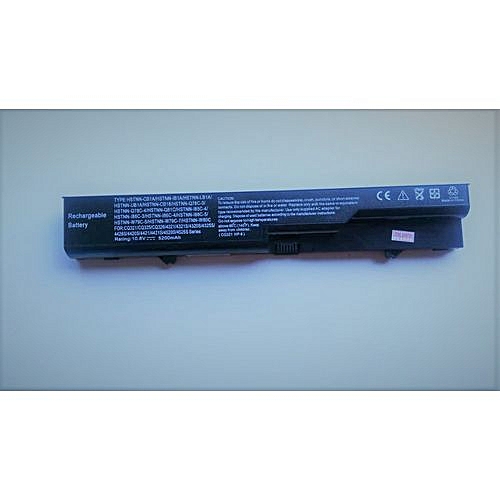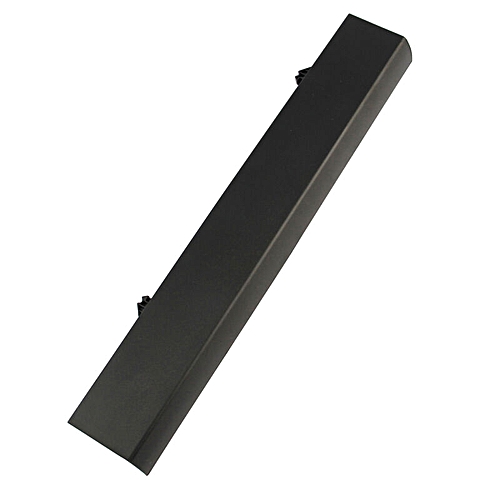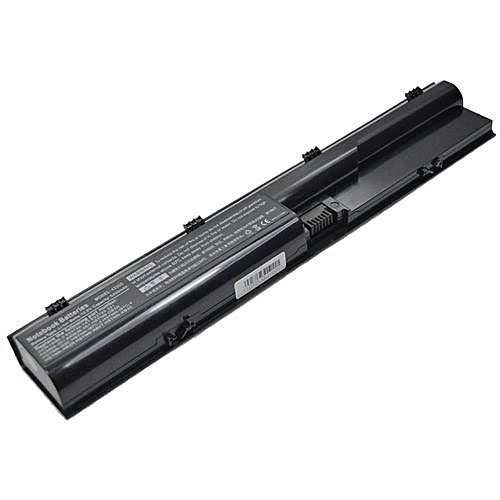
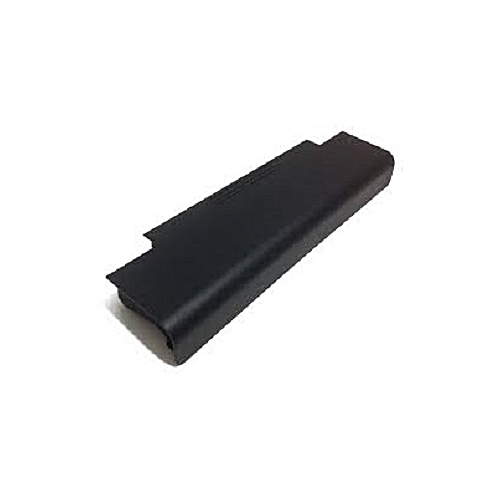
Generic Replacement Dell Inspiron 17R Series Laptop Battery
Call for Price
Features:
1. 100% new battery.
2. High quality and durable.
3. Provides excellent continuous power sources to your device.
4. High energy density, long life battery.
5. Note: Please first Fully charge the battery 100%, discharge battery to 15%
and recharge to improve batteries power storage capability
The Dell Inspiron N 5010 Laptop battery is compatible with the following
Laptop models
Dell Inspiron
13R
Dell Inspiron
13R (N3010)
Dell Inspiron
14R
Dell Inspiron
14R (N4010)
Dell Inspiron 15
(3520)
Dell Inspiron
15R
Dell Inspiron
15R (N5010)
Dell Inspiron
15R (N5110)
Dell Inspiron
17R
Dell Inspiron
17R (N7010)
Dell Inspiron
17R (N7110)
Dell Inspiron
M4110
Dell Inspiron
M501
Dell Inspiron
M5010
Dell Inspiron
M5010D
Dell Inspiron
M5010R
Dell Inspiron
M501D
Dell Inspiron
M501R
Dell Inspiron
M5030
Dell Inspiron
M5030D
Dell Inspiron
M5030R
Dell Inspiron
M5110
Dell Inspiron
N3010
Dell Inspiron
N3010D
Dell Inspiron
N3010R
Dell Inspiron
N3110
Dell Inspiron
N4010
Dell Inspiron
N4010-148
Dell Inspiron
N4010D
Dell Inspiron
N4010D-158
Dell Inspiron
N4010R
Dell Inspiron
N4110
Dell Inspiron
N5010
Dell Inspiron
N5010D-148
Dell Inspiron
N5010D-168
Dell Inspiron
N5010R
Dell Inspiron
N5030
Dell Inspiron
N5030D
Dell Inspiron
N5030R
Dell Inspiron
N5040
Dell Inspiron
N5050
Dell Inspiron
N5110
Dell Inspiron
N7010
Dell Inspiron
N7010D
Dell Inspiron
N7010R
Dell Inspiron
N7110
Dell Vostro 1440
Dell Vostro 1450
Dell Vostro 1540
Dell Vostro 2420
Dell Vostro 2520
Dell Vostro 3450
Dell Vostro
3450n
Dell Vostro 3550
Dell Vostro
3550n
Dell Vostro 3555
Dell Vostro 3750
Dell Vostro 3750n
·
Replacement
Dell batteries need breaking in: fully charge the notebook battery, discharge
it down to 20% remaining and then fully charge it again, repeat 3-4 times to
break-in the notebook battery and get it to charge to its maximum
·
Do not
impact, drop, crush, pierce, throw or hit your Dell laptop battery pack,
as it can damage the battery cell inside.
·
Lithium
Ions can be ruined if the voltage drops below a certain level, avoid letting
your notebook battery drain completely and repeatedly.
·
Do not
store your Dell laptop away for extended periods with the battery attached.
Please remove the replacement Dell battery pack from the notebook before
storing it away.
·
Fully
charge/discharge battery up to 4 cycles before achieving full capacity of a new
battery.
·
Fully charge
and discharge the replacement Dell laptop battery every two to three weeks for
battery conditions